
Set up Gorgias
1
Open integrations
Go to Integrations and choose Gorgias.
2
Connect the account
Click Connect, add an account, enter your credentials, and grant the requested permissions.
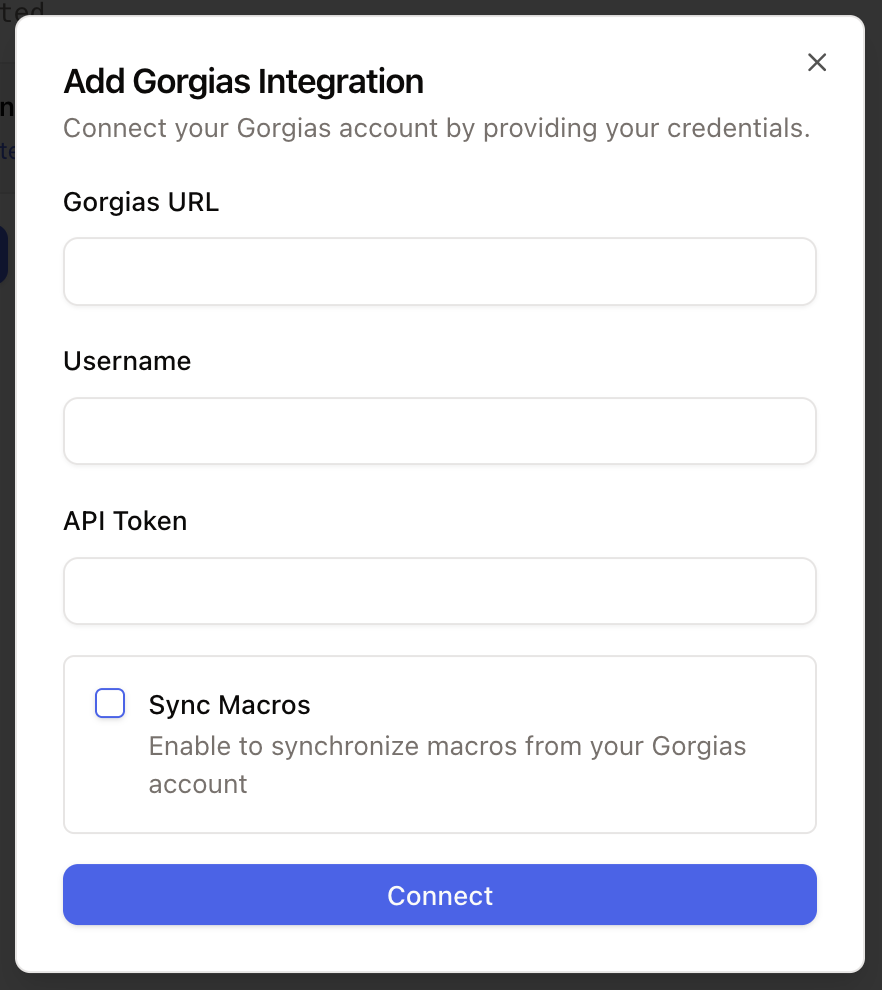
Migrate historical tickets
For a one-time historical import from a connected Gorgias account, use the Gorgias ticket import migration wizard.Use Gorgias
After the integration is connected, Chatarmin CX can use synced Gorgias data in the inbox.