
Set up eTrusted
1
Open integrations
Go to Integrations and choose eTrusted.
2
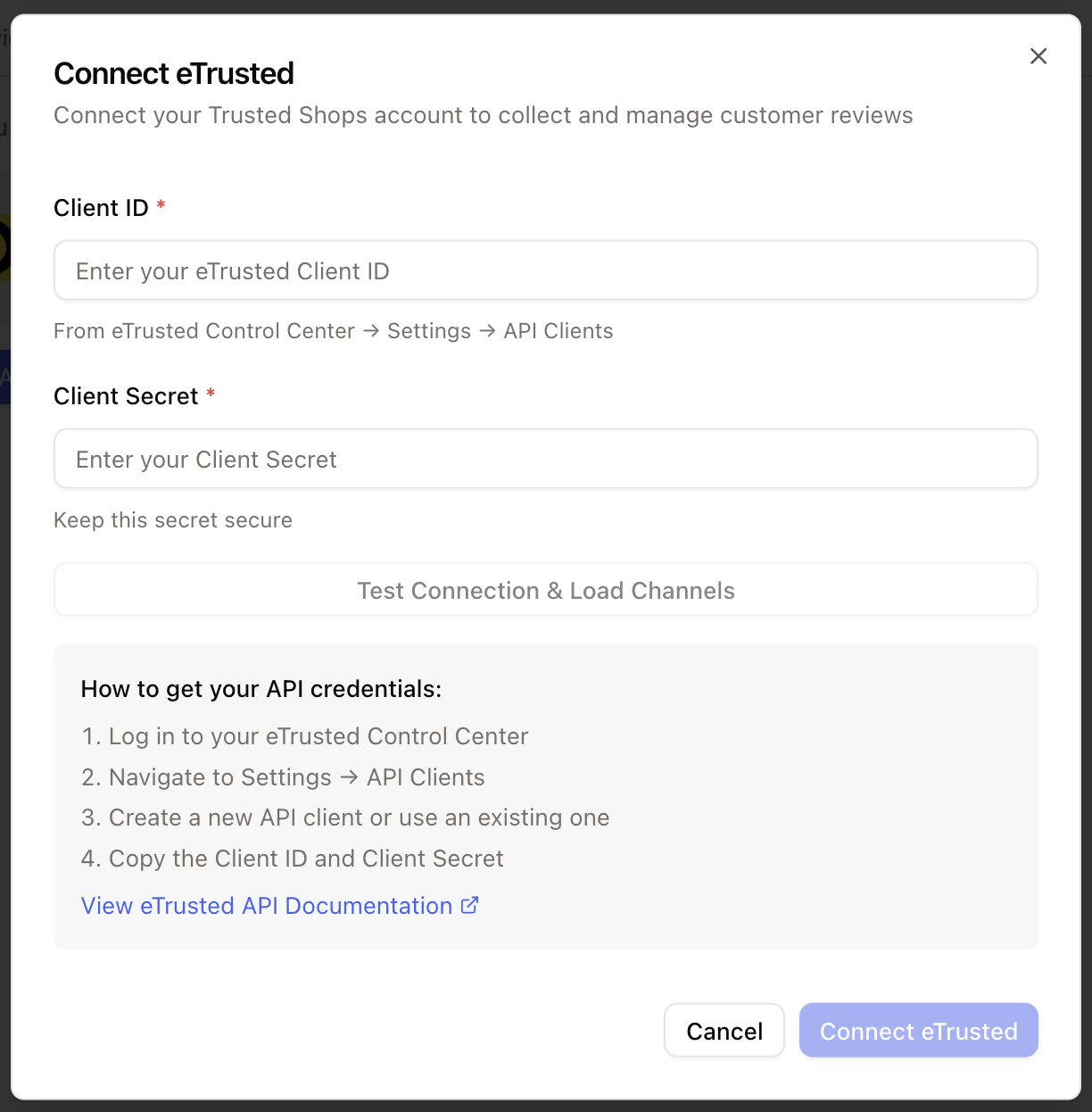
Connect the account
Click Connect, add the account credentials, and grant the requested permissions.
Create a review view
Every new review can create a ticket. Create a dedicated view so the team can manage reviews without mixing them into other queues.1
Add a view
In the inbox, click Add view.
2
Name the view
Use a clear name such as
Trusted Shops.3
Filter by channel
Add Channel = eTrusted.
4
Filter by active statuses
Include
Open and On hold, then exclude resolved and closed tickets.