
Set up Chatarmin
1
Open integrations
Go to Integrations and choose Chatarmin.
2
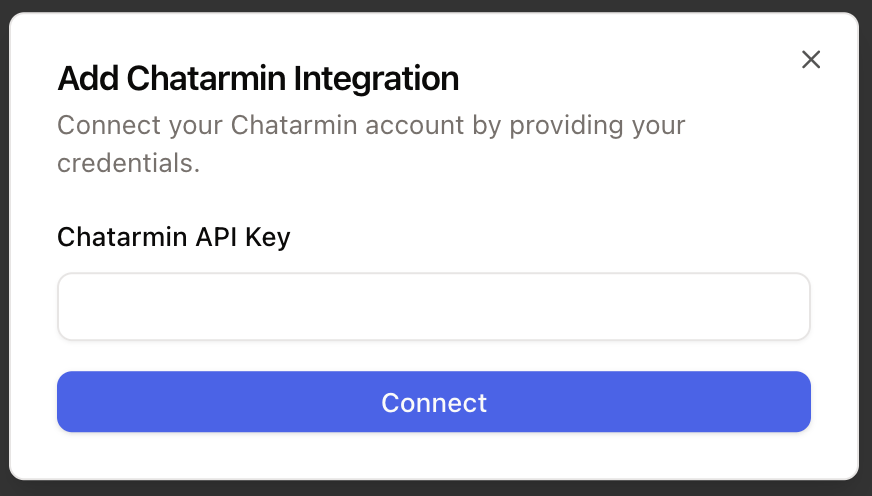
Add the API key
Click Connect, add an account, paste your ChatArmin API key, and connect it.
Forward ChatArmin WhatsApp conversations into Chatarmin CX.
Open integrations
Add the API key