Set up WooCommerce
1
Open integrations
Go to Integrations and choose WooCommerce.
2
Connect the store
Click Connect, add an account, enter your WooCommerce store domain, and grant the requested permissions.
Use WooCommerce in the inbox
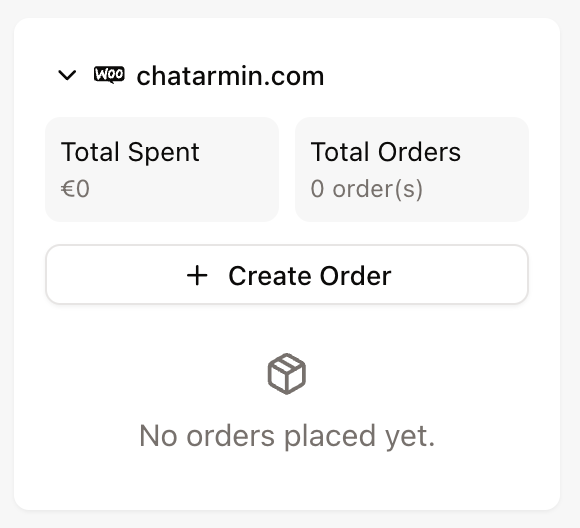
After connecting WooCommerce, matching tickets show a WooCommerce widget in the ticket sidebar. Use it to view customer and order details and create orders when supported.