
Set up Xentral
1
Open integrations
Go to Integrations and choose Xentral.
2
Connect the account
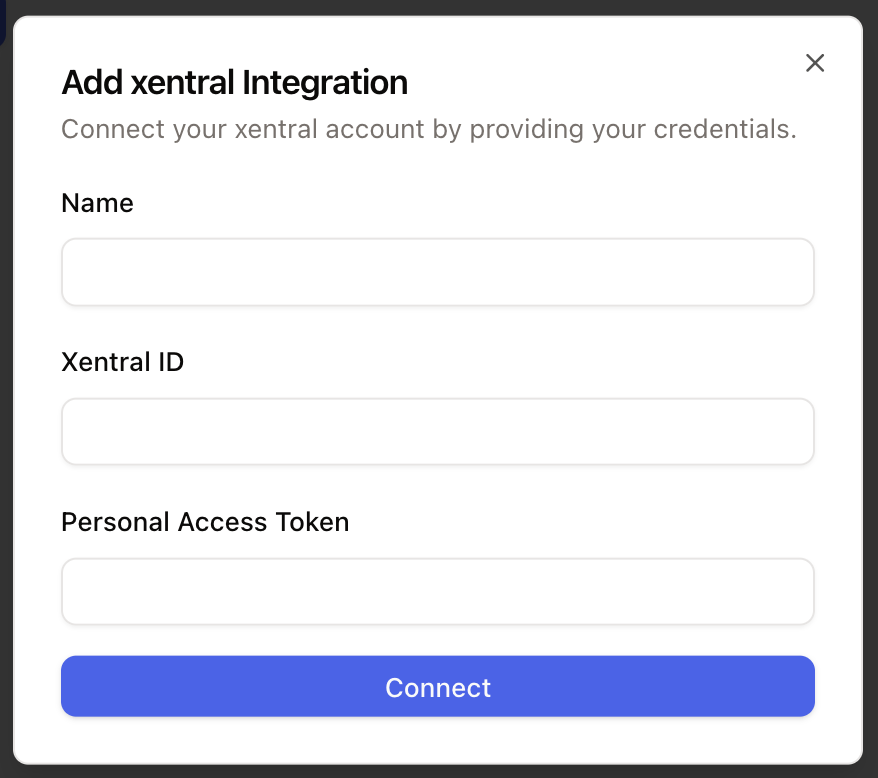
Click Connect, add an account, enter your credentials, and grant the requested permissions.
Use Xentral in the inbox
When a ticket contact matches Xentral order data, the Xentral widget appears in the ticket sidebar.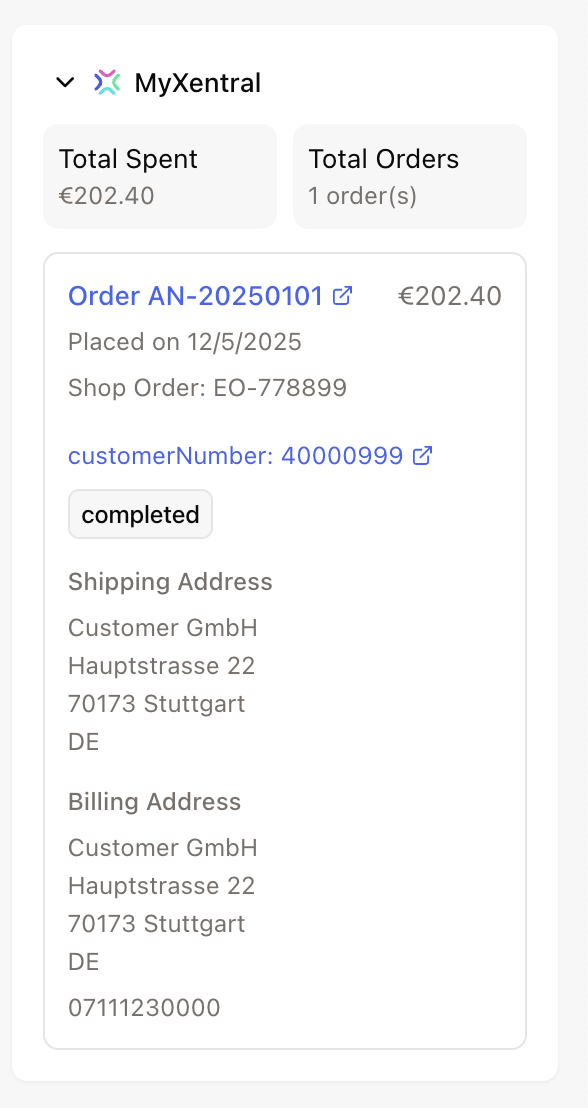
AI Agent actions
Xentral actions can let AI Agents:- get an order
- get an invoice
- update a shipping address