
Set up Asana
1
Open integrations
Go to Integrations and choose Asana.
2
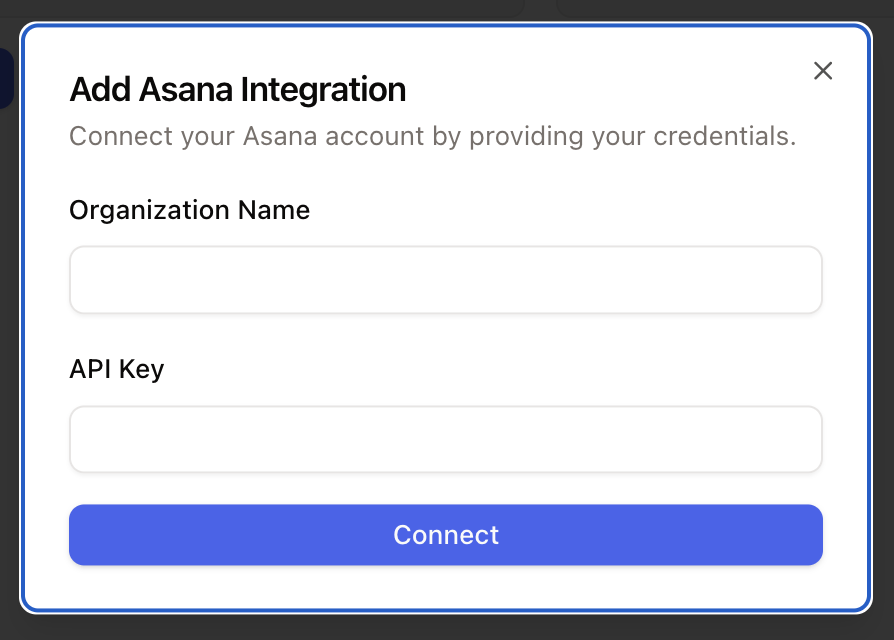
Connect the account
Click Connect, add an account, enter your credentials, and grant the requested permissions.
AI Agent actions
Asana actions can let AI Agents:- duplicate a task
- move a task to a section
The integration duplicates an existing task with new content instead of creating a task from scratch. Move the duplicated task when it needs to land in a specific Kanban section.