> ## Documentation Index
> Fetch the complete documentation index at: https://docs.armin.cx/llms.txt
> Use this file to discover all available pages before exploring further.
# Chatarmin
> Forward ChatArmin WhatsApp conversations into Chatarmin CX.
The Chatarmin integration connects ChatArmin to Chatarmin CX so WhatsApp conversations can appear as tickets.
## Set up Chatarmin
Go to **Integrations** and choose **Chatarmin**.
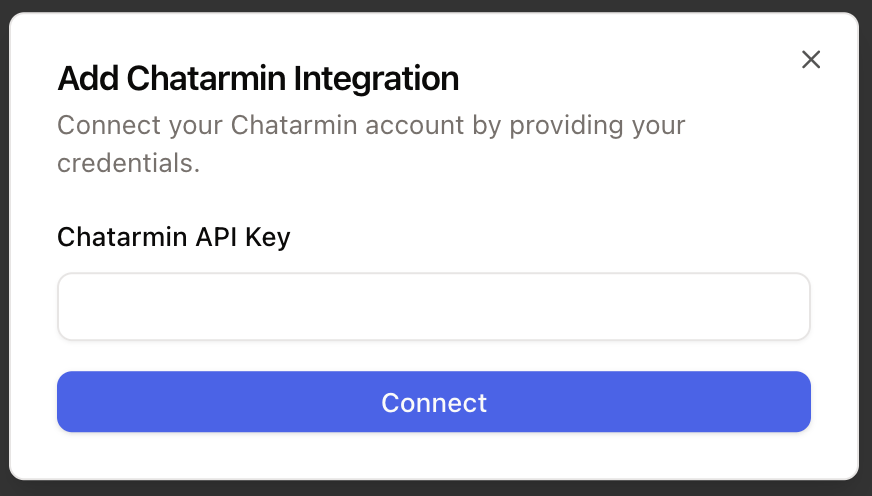
Click **Connect**, add an account, paste your ChatArmin API key, and connect it.
 ## Next step
After the integration is connected, create a WhatsApp channel and ChatArmin forwarding flow.
Learn more in [WhatsApp setup](/channels/whatsapp/whatsapp).
## Next step
After the integration is connected, create a WhatsApp channel and ChatArmin forwarding flow.
Learn more in [WhatsApp setup](/channels/whatsapp/whatsapp).