> ## Documentation Index
> Fetch the complete documentation index at: https://docs.armin.cx/llms.txt
> Use this file to discover all available pages before exploring further.
# Asana
> Use Asana actions to create and route follow-up tasks from Chatarmin CX.
The Asana integration lets AI Agents and legacy workflows create task-like follow-ups by duplicating existing Asana tasks and moving them to the right section.
## Set up Asana
Go to **Integrations** and choose **Asana**.
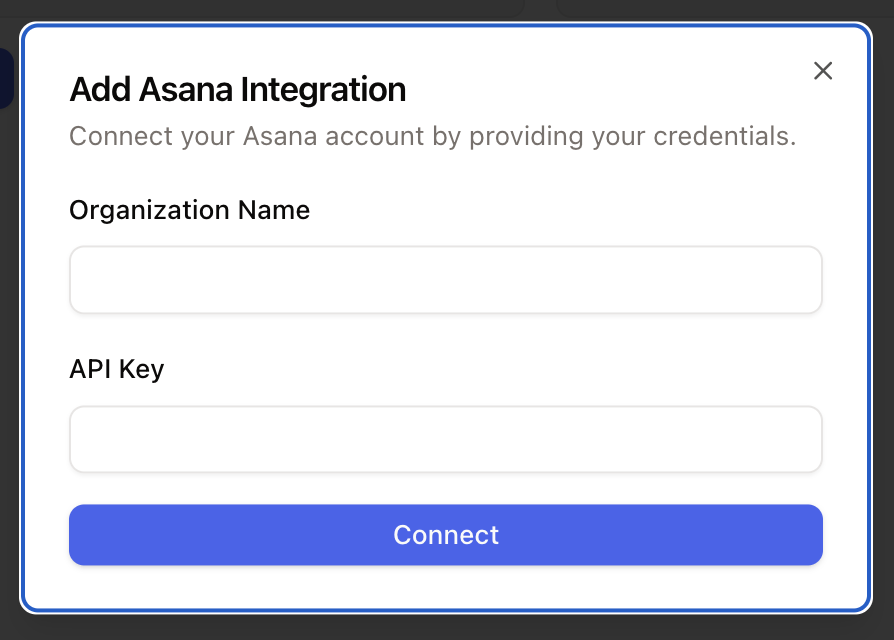
Click **Connect**, add an account, enter your credentials, and grant the requested permissions.
 ## AI Agent actions
Asana actions can let AI Agents:
* duplicate a task
* move a task to a section
Existing workflows can still use these actions for fixed legacy flows.
The integration duplicates an existing task with new content instead of creating a task from scratch. Move the duplicated task when it needs to land in a specific Kanban section.
## AI Agent actions
Asana actions can let AI Agents:
* duplicate a task
* move a task to a section
Existing workflows can still use these actions for fixed legacy flows.
The integration duplicates an existing task with new content instead of creating a task from scratch. Move the duplicated task when it needs to land in a specific Kanban section.