> ## Documentation Index
> Fetch the complete documentation index at: https://docs.armin.cx/llms.txt
> Use this file to discover all available pages before exploring further.
# eTrusted
> Manage Trusted Shops reviews from the Chatarmin CX inbox.
The eTrusted channel sends Trusted Shops reviews into Chatarmin CX so agents can manage customer feedback from the inbox.
## Set up eTrusted
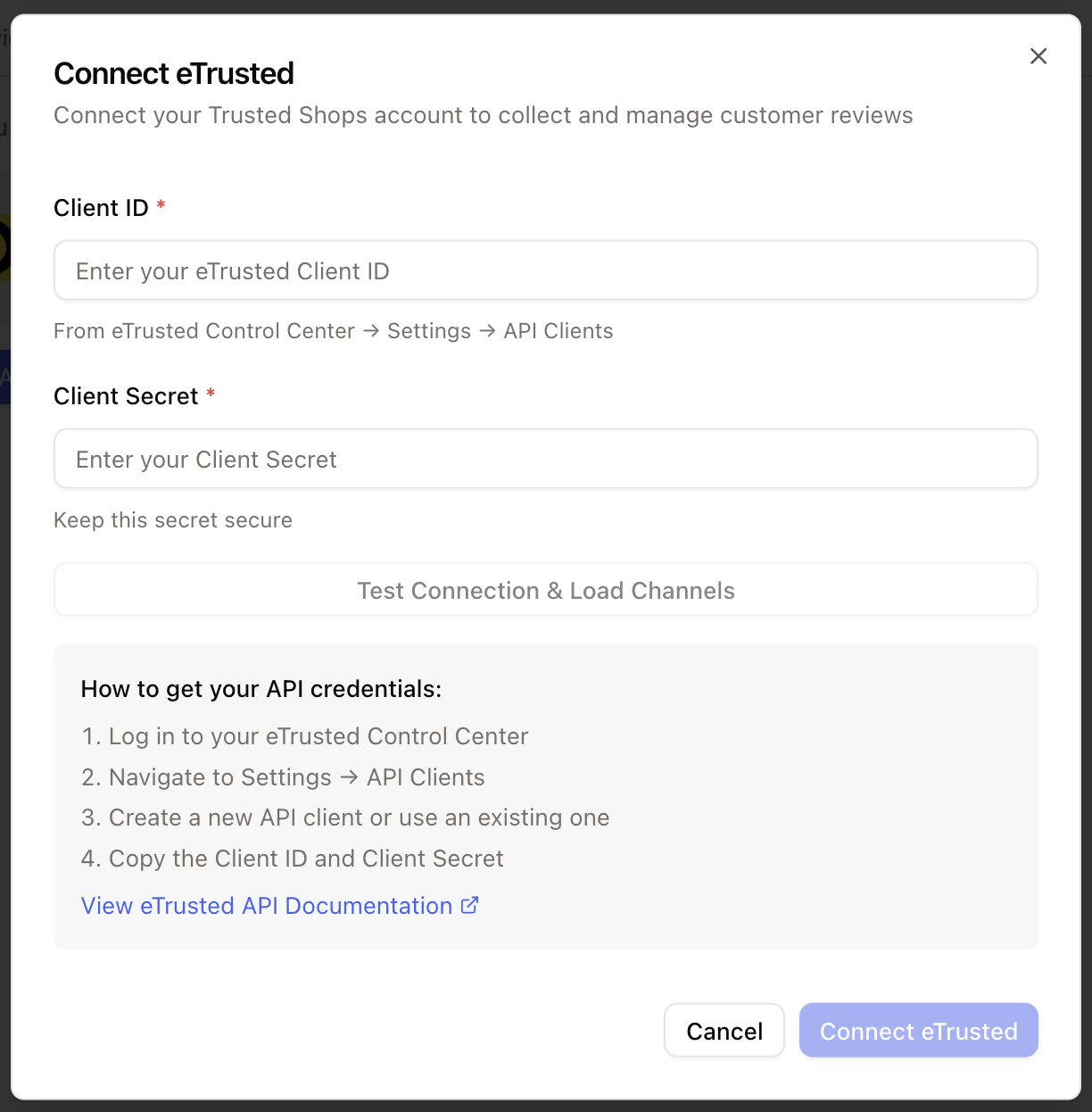
Go to **Integrations** and choose **eTrusted**.
Click **Connect**, add the account credentials, and grant the requested permissions.
 ## Create a review view
Every new review can create a ticket. Create a dedicated view so the team can manage reviews without mixing them into other queues.
In the inbox, click **Add view**.
Use a clear name such as `Trusted Shops`.
Add **Channel = eTrusted**.
Include `Open` and `On hold`, then exclude resolved and closed tickets.
## Create a review view
Every new review can create a ticket. Create a dedicated view so the team can manage reviews without mixing them into other queues.
In the inbox, click **Add view**.
Use a clear name such as `Trusted Shops`.
Add **Channel = eTrusted**.
Include `Open` and `On hold`, then exclude resolved and closed tickets.